I Use AI Every Day as a Designer. I Still Don’t Let It Design For Me.
See how I use AI for discovery, research, wireframing, validation, and QA while keeping creative judgment and final design decisions authentic.
 Trung Nguyen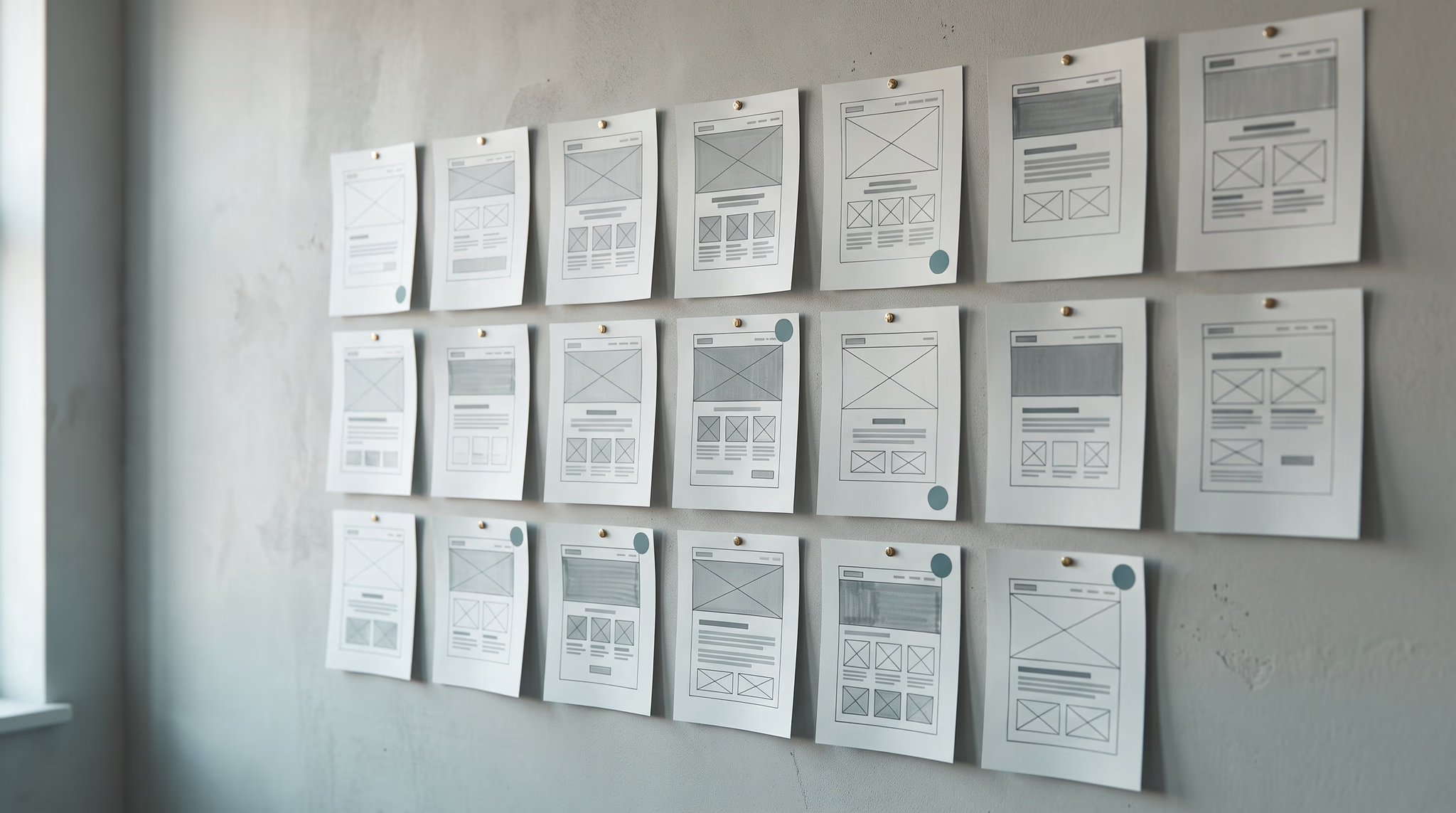
Table of Contents
I don’t care if a designer uses AI. I care if they stop thinking.
I’m not an AI skeptic, and I’m definitely not an AI fanboy. I use ChatGPT constantly in my design process. But I don’t treat it like a designer sitting next to me making creative decisions. I treat it like a very fast generalist that can organize information, find gaps, challenge my thinking, and handle a lot of the tedious work around design.
That distinction matters.
AI can give you an answer that sounds completely reasonable and still be wrong. OpenAI itself says hallucinations remain a fundamental problem for large language models, including ChatGPT. So I’m not handing it final authority over a design decision just because it can explain that decision confidently.
My process is pretty simple: I think, AI helps me expand or validate, and I decide.
I Use AI Before I Ever Open Figma
Good design starts with understanding the business. If the discovery is weak, everything after it is built on weak information.
I already have a base set of discovery questions I’ve developed over time. Before a meeting, I’ll give ChatGPT those questions along with whatever I already know about the client, their industry, their audience, and the project. I’m not asking it to run discovery for me. I’m asking it to look for blind spots and help me make the questions more specific to that business.
During virtual meetings, I also use AI transcription. I’d rather actually listen to the client than spend the entire conversation staring at my notes trying to capture every sentence. The transcript gives me a record I can go back through afterward without turning the meeting into an interrogation.
Once the meeting is over, I put the transcript and other project information into a dedicated ChatGPT project. Then I use it to summarize what was said, pull out requirements, identify contradictions, and pressure-test my own interpretation.
Sometimes it sees something differently than I do. Good. That’s useful. It forces me to explain why I interpreted something a certain way instead of just running with my first assumption.
I Use It to Make Research Faster, Not to Replace Research
Competitive research is another place where AI saves me time, but I don’t let it become the only source.
I’ll manually find competitors and reference websites through Google. I want to see who is actually showing up, how companies in the space position themselves, what patterns keep repeating, and where the quality bar sits.
Then I’ll ask ChatGPT to find additional companies based on the information I’ve given it. Those two lists usually overlap in some places and differ in others, which is exactly what I want.
From there, I narrow the list myself. Some references might have a strong visual direction. Some might explain the offer really well. Some do both. I’ll tell ChatGPT which ones I’m keeping and, more importantly, why I’m keeping them.
That last part is important. I’m not asking AI, “Which website is best?” I’m teaching it what I’m responding to so it can become more useful inside that specific project.
AI Helps Me Get to a Wireframe Faster
Once I understand the business and have enough references, I’ll ask ChatGPT to suggest a generalized page structure. No visual design. No fake mockup. Just the possible sections, order, headlines, and information the page may need based on the discovery and research.
Then I move into Figma and start making decisions.
This is where AI stops being useful if you expect it to do the thinking for you. A section can make perfect sense in a text outline and still feel completely wrong once you see the page. The hierarchy can be off. The pacing can drag. Two sections can be saying the same thing. Something important can be buried too far down the page.
I’ll move between ChatGPT and Figma while the wireframe takes shape, but I’m the one deciding what stays, what moves, and what gets deleted.
Then I usually walk away from it for a little while. Fresh eyes still beat staring at the same frame until everything starts looking correct.
I Use AI Heavily for Validation
This is probably where AI gives me the most value.
Typography, color, components, layout, accessibility, and consistency all involve a ton of small decisions. I’ll use ChatGPT to help me explore options, compare tradeoffs, and catch things I may have missed.
For typography, I can give it the brand personality, audience, use case, and technical constraints, then ask it for possible pairings or hierarchy directions. I still look at the actual fonts and make the final call. A font can make sense on paper and still feel completely wrong for the brand.
Color works the same way. I’ll create the direction, build out the palette, then use tools to check the objective parts. For example, WCAG 2.2 sets minimum text contrast requirements of 4.5:1 for normal text and 3:1 for large text. That is something I can verify. Whether the palette actually feels right for the brand is still a design judgment.
I do the same thing with interface components. I can show ChatGPT screenshots of buttons, navigation, cards, forms, or full page sections and ask it to challenge the hierarchy, clarity, consistency, or likely usability problems.
I don’t treat that as user testing. It isn’t. It’s another set of eyes before I put the design in front of actual people.
I Use AI to Tear Apart the Design Before Someone Else Does
Once I’m around 80% to 85% confident in the direction, I stop asking ChatGPT to help me create and start asking it to attack the work.
I’ll give it screenshots and ask it to look for spacing inconsistencies, weak hierarchy, confusing sections, readability problems, broken patterns, unnecessary repetition, brand inconsistencies, and anything else that feels off.
Then I argue with it.
Sometimes it catches something useful. Sometimes the recommendation is technically reasonable but completely wrong for what I’m trying to accomplish. Sometimes it points out something I already made a conscious decision to do.
That back and forth is the value. I have to defend the decision. If I can’t explain why something is there, there’s a decent chance I need to rethink it.
I also use ChatGPT for realistic placeholder copy. I hate Lorem Ipsum because it gives the client nothing meaningful to react to, but I also don’t need final copy before I know the page structure works. AI can take the client information I already have and generate something realistic enough to test the layout. The client knows it’s placeholder copy. I know it’s placeholder copy. Its job is to make the design feel like a real website instead of a wireframe full of gibberish.
The Final Decision Still Has to Be From a Person
Of course AI influences my work. So do competitor websites, client conversations, books, developers, other designers, and every reference I’ve ever looked at.
The question isn’t whether AI influences the process. The question is where the judgment lives.
Mine stays with me.
Before I accept an AI recommendation, I’m usually asking myself four things:
- Does this actually solve the problem I’m trying to solve?
- Can I explain why this decision is better, or am I just accepting a confident answer?
- Is there an objective claim here that I can verify with a real source or tool?
- Would I still make this decision if ChatGPT had never suggested it?
After the AI pass, I still want a person’s eyes on the design. Someone who hasn’t been staring at the same page for hours will notice things I won’t. Then I decide what feedback matters, make the final changes, and hand the design off to my development team.
That’s how I use AI as a designer.
Not as a replacement for creativity. Not as a shortcut around learning the craft. Not as a machine that gets the final say.
I use it to remove grunt work, make my thinking faster, and give me more time for the part that actually matters: making good decisions.
If you’re hiring a designer or agency that uses AI, I wouldn’t ask whether they use it. At this point, that question is becoming less useful. I’d ask what decisions they let AI make, what they verify themselves, and where personal judgment takes over.

Creative Director & Co-Founder
Leads creative direction: brand systems, visual identity, and the web design behind every site we ship. Makes Houston businesses look memorable, not just polished.
Related Posts

Checkout Flow Design
Seven out of ten shoppers abandon at checkout. These ecommerce checkout best practices fix every cause, from unexpected costs to mobile friction.

Fredy Rodriguez

Product Page Optimization
Build product pages that satisfy both Google and the buyer at the decision point, with the right copy, images, and schema markup in place.
Fredy Rodriguez

Choosing Your Platform
Choosing the best ecommerce platform for small business shapes your costs and options for years. A criteria-driven comparison by business type, not hype.
Fredy Rodriguez